Configurator
The Configurator is a web app to configure in:control devices. It is available at configure.in-control.ch.
Follow the steps for an initial configuration.
- Plug in your device with an USB cable
- Click the pop-up to open the Configurator, or open it by following the link above.
The Configurator appears empty because devices must be paired with the browser before they can communicate.
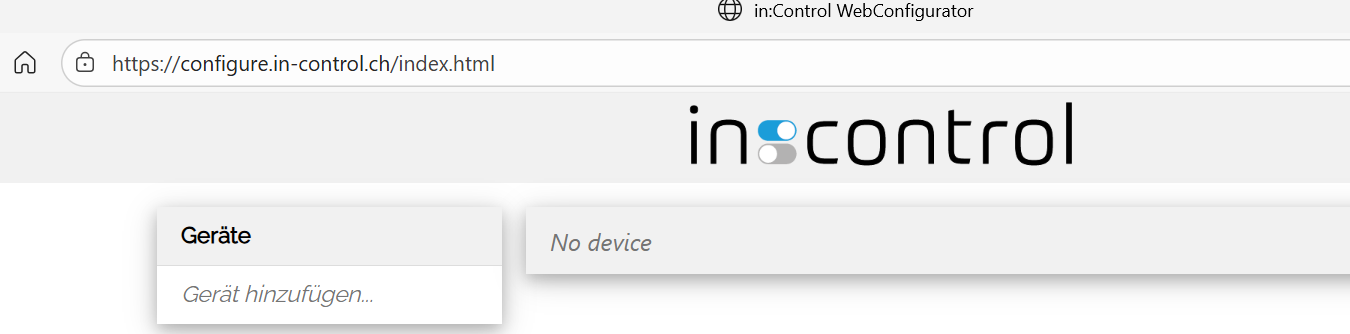
- In the device list, click add device…
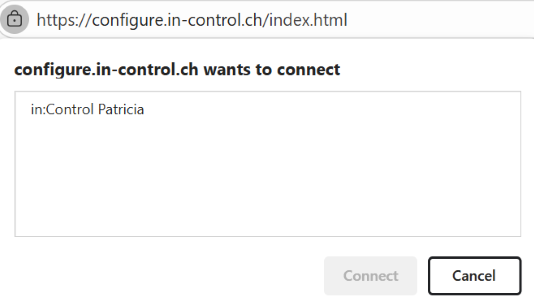
- A dialog appears. Choose the in:control device and select connect.
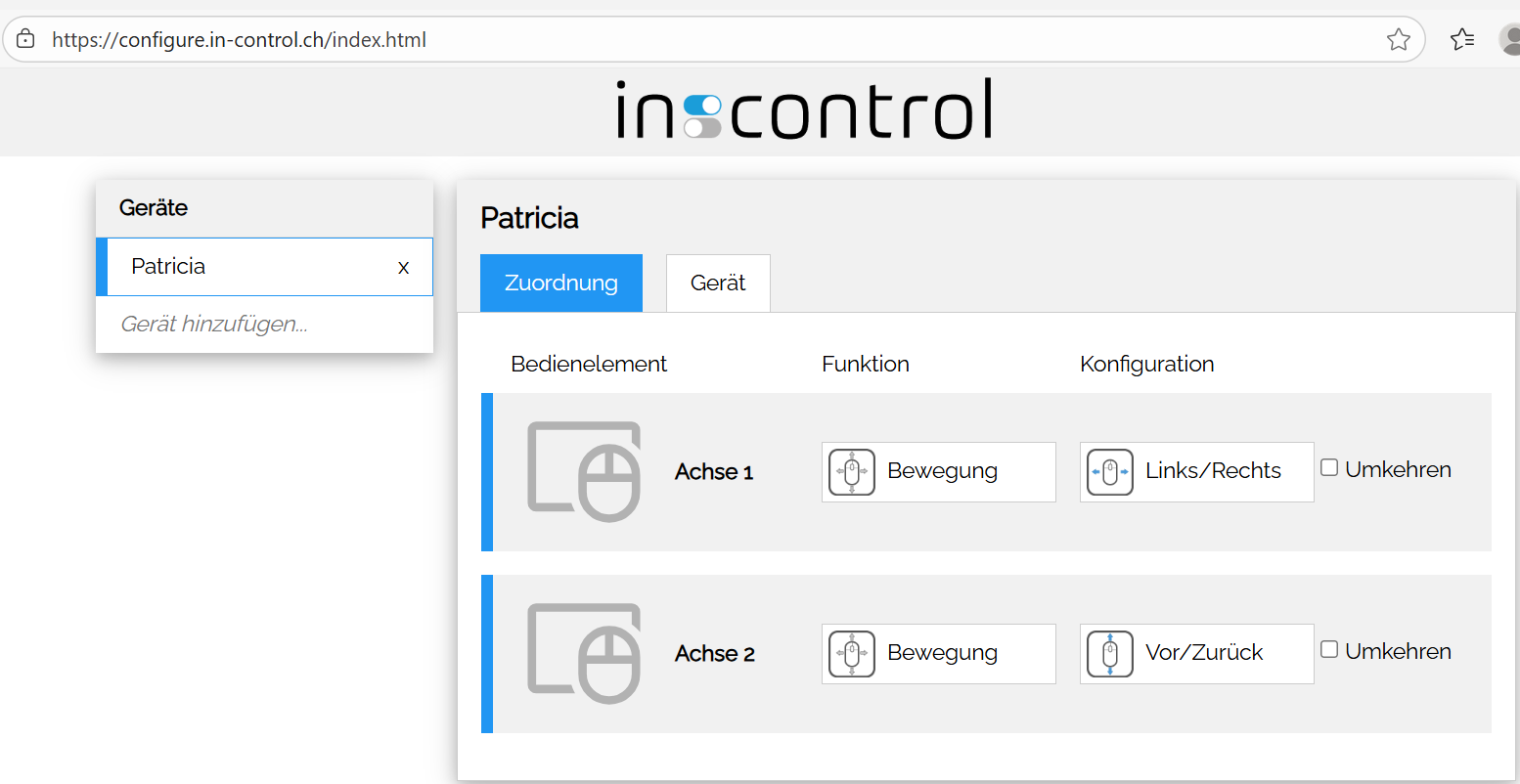
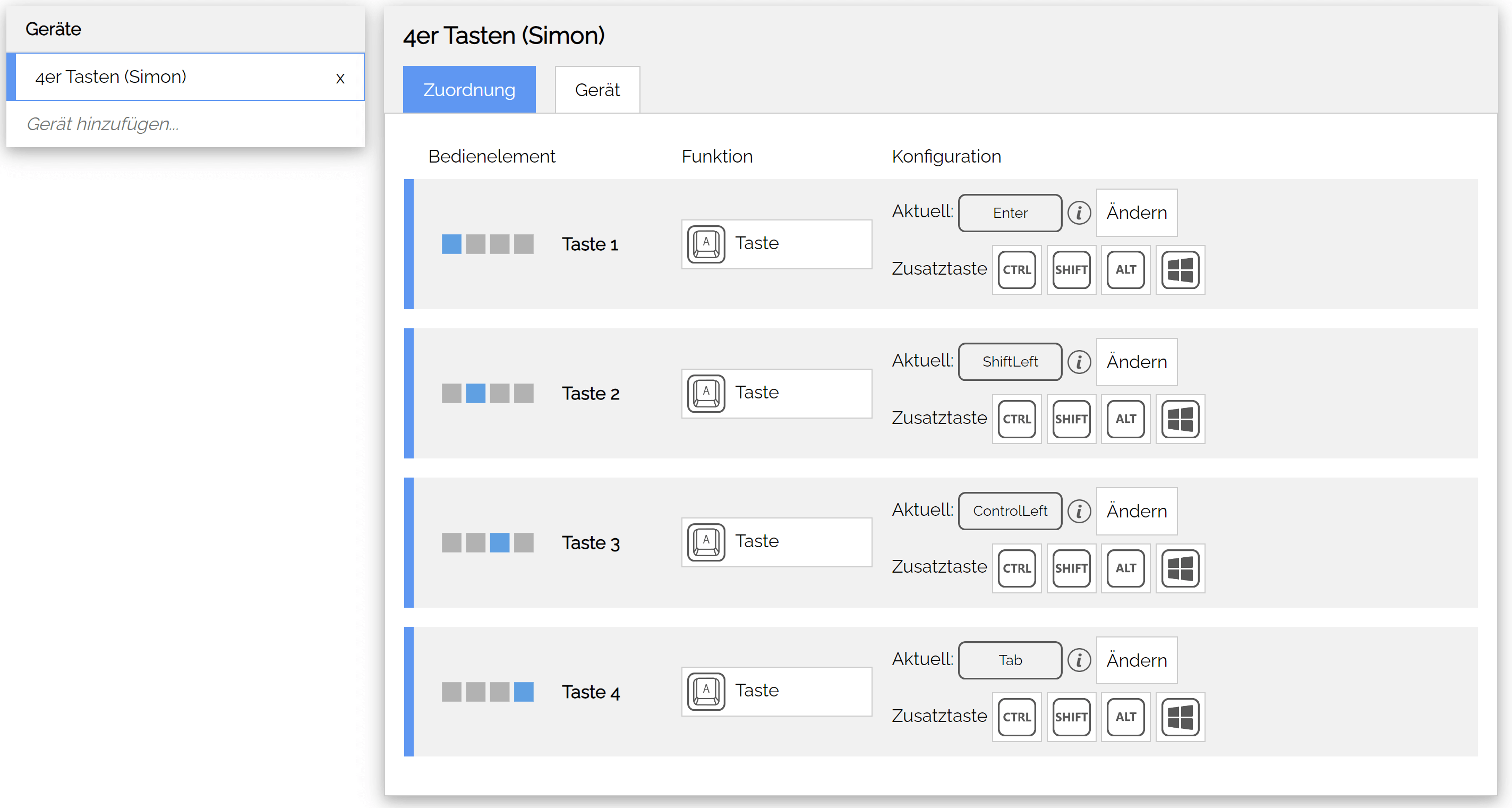
- The device appears in the device list and is selected automatically.
From here the device connects automatically with the Configurator when it’s opened on the same PC and browser. For using an other PC or browser, pair the device with the new setup.